
digital business card for personal trainers
Digital Business Card for Personal Trainers
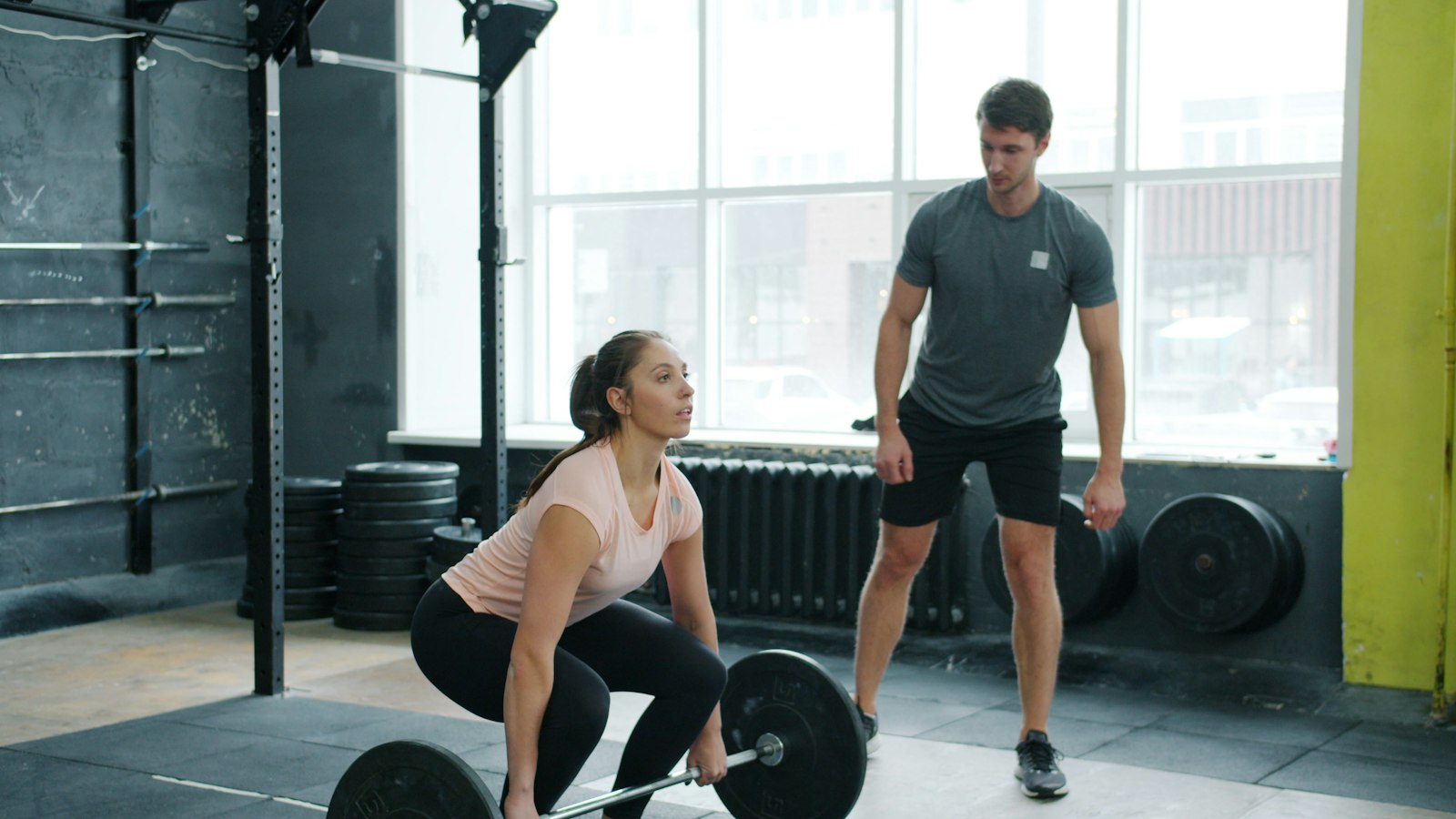
Digital Business Card for Personal Trainers: Share After Every Session
You just finished a session. Your client is catching their breath, their phone is in their bag, and you are both a little sweaty. This is the moment they are most likely to remember you. It is also the worst possible moment to hand over a paper card.
A digital business card for personal trainers solves that problem neatly. You share a link or show a QR code, they save your details in seconds, and that's it. No paper. No reprint when your studio changes. No card lost in a jacket pocket.
Here's how to make it work for you.
Why Paper Cards Don't Survive the Gym Floor
Paper cards have two enemies in a fitness setting: moisture and chaos. A card handed out during a cooldown stretch has a short life expectancy. Even if it survives the session, it usually ends up stuffed in a gym bag, washed with a pair of shorts, or forgotten on a locker room bench.
The bigger problem is that paper cards go stale. You change studios. You add a specialty. You update your booking link. The card sitting in someone's wallet still points to the old number or the class time that no longer exists.
If you are curious about the full picture, the article on paper business cards vs digital walks through that comparison honestly. The short version: for a profession where your contact details need to stay accurate and your time is spent moving, not filing, digital wins on every practical count.
What to Put on Your Personal Trainer Digital Business Card
A personal trainer's card needs to do one job: make it easy for someone to reach you and understand what you do. Keep it focused.
The essentials:
- Your full name and a short title (e.g., "Personal Trainer" or "Certified Strength Coach")
- Phone number and email
- Your booking or scheduling link, this is arguably the most important field; it removes friction between "I want to train with you" and an actual appointment
- Your primary location or service area (gym name, area of the city, or "online")
- A profile photo, faces build trust, and in a crowded gym landscape you want to be recognizable
Worth adding if you have them:
- Instagram or other social profile where you post training content
- A short line about your specialty (e.g., "Strength for beginners" or "Running & mobility")
- A link to client testimonials or a results page
The article on what to put on a digital business card goes deeper on field choices if you want to think through options. The key principle: every field should serve the person reading it, not just fill space.
How to Share It Right After a Session (Without the Awkward Pitch)
The best share moments are natural ones. You don't need a pitch. You just need a habit.
Right after a session ends: "I'll send you my card so you have my number" is a complete sentence. Pull up your QR code, they scan it with their phone camera, your card opens in their browser, they save your number. Done in under fifteen seconds.
During a class cooldown: If you are teaching a group class, you can display your QR code on a screen or prop your phone face-up near the door as people leave. No announcement needed. Curious people will scan.
When someone asks for a referral: A client mentions a friend who wants to start training. You text your card link to your client right there. They forward it. Your info arrives fresh and correct, not as a photo of a paper card.
The key is that the person receiving your card never needs to install an app or create an account to view or save your details. Your link opens directly in their browser. That low-effort experience is what makes sharing feel natural rather than like an ask.
For more on this, the guide on how to share a digital business card covers timing and context in detail. And if a client asks you to send it over text, sharing contact info via text has you covered.
QR Code, NFC, or Link: Picking the Right Share Method
You have three main options for getting your card into someone's hands. Each fits a different moment.
QR code is the most flexible for personal trainers. You can save it as a wallpaper on your phone's lock screen, print it on a small card for the desk at your studio, or put it on your water bottle with a sticker. Anyone with a phone camera can scan it without needing anything special.
A simple link is perfect for remote or online clients. You text it, email it, or add it to your Instagram bio. It works anywhere a URL works. If you share your training content on social media, adding your card link to your bio is an easy win, the article on adding your digital card to Instagram shows exactly how.
NFC works if you have a blank NFC tag you have written with your card URL. A tap of the tag to someone's phone opens your card instantly. It is elegant in the right setting, a front desk, a gym bag tag, a keychain fob. If you want to explore that route, the piece on NFC vs QR code business cards helps you match the method to the moment without overcomplicating it.
For most personal trainers, the QR code on your phone lock screen handles ninety percent of situations.
Keeping Your Card Current When Your Schedule Changes
This is where a digital card earns its keep over paper.
You switch gyms. You drop early morning slots. You add a nutrition coaching offer. With a paper card, any of those changes means reprinting and replacing every card you have given out. With a digital card, you update once and every link that already exists points to the new information automatically.
That is not a small thing when your work life is as variable as a trainer's tends to be. Sessions move. Studios restructure. Rates change. Your card should reflect where you are now, not where you were six months ago when you printed a box of five hundred.
BeamHello is built around this idea. Your card lives at a URL. When you update a field, everyone who has ever saved or bookmarked your link sees the current version. No chasing down old cards. No awkward "oh, that number is wrong now" moments.
The post on how to update your digital business card covers the mechanics if you want to see how that works in practice.
Getting Started: From Setup to First Share
Setup is genuinely quick. Here is what the process looks like:
- Create your card. Add your name, title, photo, contact details, and booking link. Take five minutes to fill in the fields that matter most to your clients.
- Grab your QR code. Save it to your phone's camera roll or set it as your lock screen wallpaper.
- Share your link anywhere it makes sense. Add it to your email signature, your Instagram bio, your gym's trainer page if they let you. If you want help with the email signature step, the digital business card email signature guide walks you through it.
- Update as things change. New studio? New specialty? New booking link? Edit once, done.
The first share is usually the one that makes it click. A client scans, saves your number, and books a session without you doing anything beyond showing a QR code. That's the whole idea.
Personal training is a relationship business. The card is just the thread that keeps the connection from getting lost between sessions. Keep it current, make it easy to save, and let the work speak for itself.