
digital business card for veterinarians
Digital Business Card for Veterinarians
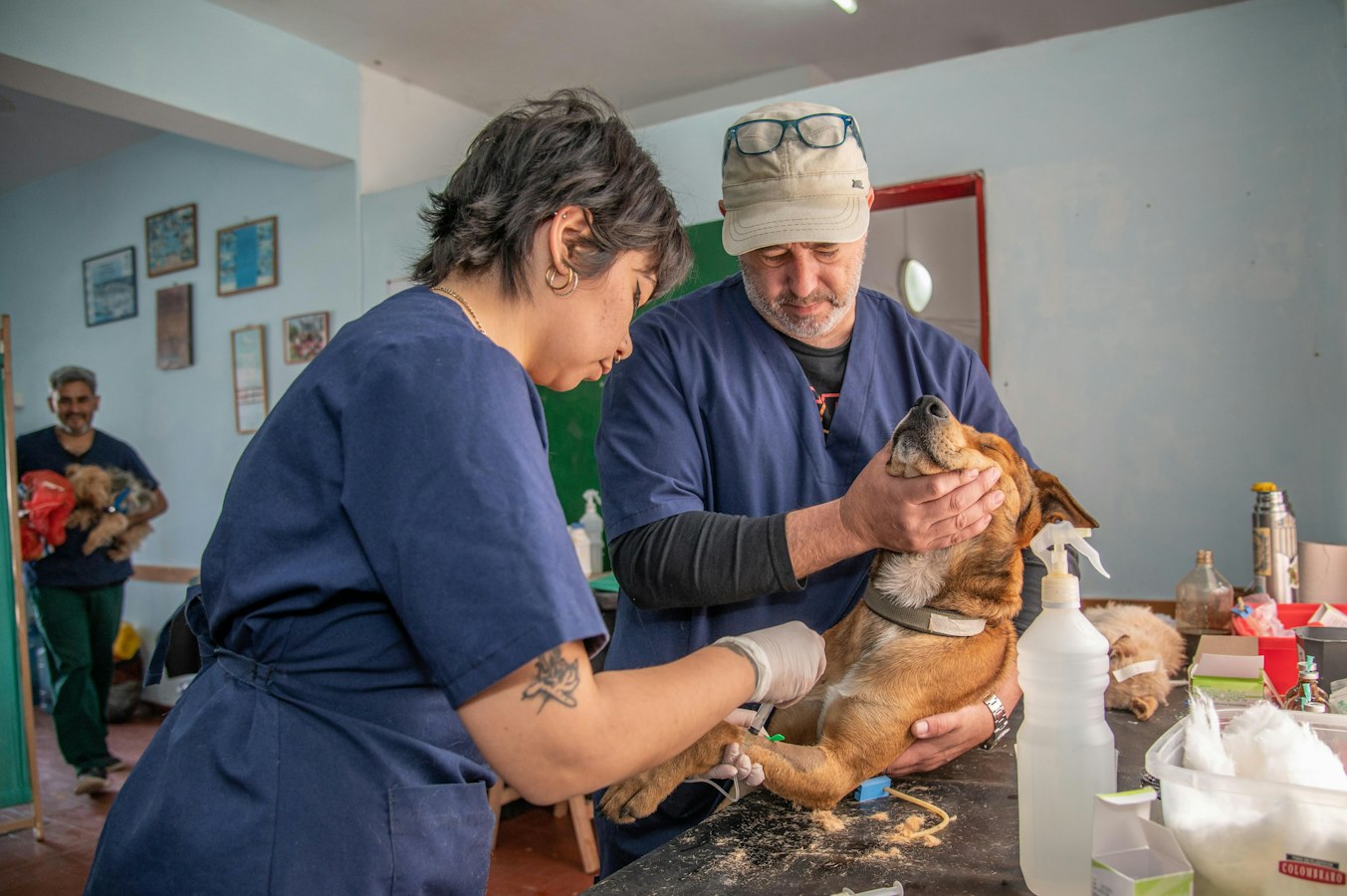
Digital Business Card for Veterinarians: Stay Current, Look Professional
A veterinary visit is rarely a neutral moment. Pet owners arrive worried, hopeful, or sometimes in a rush. Referring clinics call because they trust you. In that environment, the way you introduce yourself and share your contact details carries more weight than it might in other professions.
A paper business card has always felt a little out of step with that dynamic. It goes stale, it gets lost, and it takes a second hand off a nervous animal. A digital business card fits the moment better, shareable by QR code, tap, or link, saveable in seconds, and never out of date no matter how many times your clinic details change.
Why Paper Cards Feel Out of Place in a Veterinary Practice
Veterinary practices change more often than people expect. Clinics merge, phone numbers update, vets move between practices, and job titles shift. Every one of those changes turns a stack of paper cards into misinformation.
There is also the hygiene angle. In a clinical setting, handing something physical back and forth just adds a step that nobody really needs. A QR code on a countertop card stand, a tap of a phone to an NFC tag on the reception desk, or a quick link sent via text keeps the exchange clean and quick.
And then there is the practical reality: most paper cards end up in a drawer or a pocket and are never seen again. The comparison between paper and digital business cards is worth reading when you think about how rarely people actually save a paper card to their phone. Digital cards let the person save your info directly to their phone's contacts app in one tap, right there in the moment.
What to Put on a Veterinarian's Digital Business Card
Getting the content right is what makes the card useful rather than just impressive. Think about who will be opening it. A worried pet owner standing in your parking lot needs your number fast. A vet tech at a referring clinic wants your specialty and direct line. A colleague at a continuing education seminar just needs enough to find you later.
Here is what belongs on a veterinarian's digital business card:
- Your full name and credentials (DVM, VMD, board certifications)
- Your specialty, if you have one (internal medicine, surgery, emergency, exotic animals)
- Clinic name and location
- Direct phone number or the clinic's main line, whichever you prefer people to use
- Email address
- Clinic website
- A brief note about your focus, especially if you see a specific species or work in a niche like oncology or dentistry
The full guide on what to put on a digital business card goes deeper on this, but for veterinarians the key is clarity. Pet owners are not always calm when they reach out. The easier you make it to find your number or book an appointment, the more useful your card becomes.
Avoid cluttering the card with things that belong on your website. The card is a bridge, not a brochure.
How to Share Your Card in a Clinic Setting
The clinic environment gives you several natural moments to share your contact details without it feeling like a sales pitch.
At check-in or checkout. A small printed QR code at the reception desk, linking to your card, lets pet owners scan and save your info while they are waiting. No one has to fumble with a business card holder or ask for extra copies.
After an appointment. If you want a client to have your direct contact for follow-up questions, sending your card as a link via text takes about five seconds. The client opens it in their browser, taps "Save to Contacts," and you are in their phone. No app needed on their end. You can read more about how that side of the experience works in the digital business card without app guide.
With referring clinics. Specialist veterinarians often build relationships with general practitioners who refer cases. Adding your card link to your email signature means every message you send to a referring clinic includes your current contact details automatically. The digital business card email signature guide covers exactly how to set that up.
At conferences and CE events. Continuing education events are full of quick introductions. A card you can share from your phone to a colleague's, without either of you downloading anything, means your number lands in their contacts before the conversation ends.
Keeping Your Card Current When Things Change
This is one of the most practical advantages of a digital card, and it matters especially in veterinary practice.
When you change clinics, your card URL stays the same. You update the details in your account, and anyone who has your link or QR code will now see your new information. The old paper cards you left at a rescue shelter or specialist's office two years ago are no longer pointing to a dead end.
The same applies when a clinic rebrands, a phone system changes, or you add a new specialty service. Updating a digital business card is one edit in one place. That is it.
This is not a minor convenience. It is the core reason digital cards make sense for anyone whose professional details shift over time, and veterinarians are very much in that category.
Multi-Vet Practices: One Consistent Look for the Whole Team
If you work in a group practice or manage a veterinary hospital with several vets on staff, consistency matters. When every vet hands out a card that looks and feels slightly different, the practice brand becomes fragmented.
A team setup lets each vet have their own card with their own details, while the clinic name, logo, and color scheme stay consistent across all of them. If a vet joins or leaves, their card can be added or deactivated without reprinting anything for the rest of the team.
The digital business cards for teams guide explains how that kind of rollout works in practice. The admin rollout guide for teams is worth reading if you are the person at the practice who would be setting this up for everyone.
This approach is also relevant for veterinary groups that operate across multiple locations. Each location can have its own branding layer while still fitting under the practice's overall identity.
How BeamHello Works for Veterinarians
BeamHello turns your contact details into a digital business card at a URL you share by tap, QR code, or link. Whoever receives it opens the page in their phone's browser and saves your info directly to their contacts. No account, no download, nothing to install.
For veterinarians, that matters in a specific way. You are not asking a stressed pet owner to do anything complicated to reach you again. You share the card, they save it, and it is done.
When your clinic details change, you update your card once. Every link you have ever shared reflects the new information automatically. If you are part of a multi-vet practice, a team plan keeps every card consistent without a pile of separate logins to manage.
You can add your card link to your email signature, put the QR code on the exam room counter, or pull it up on your phone when a client asks how to reach you directly. However the moment calls for it, the card is ready.
Veterinary medicine is built on trust. How you share your contact details is a small thing, but it reflects that trust. A card that is always current, always easy to save, and always ready to open is one less thing to think about in a day that already has plenty of moving parts.
Put this into practice: see Apple Wallet business cards and digital business cards for teams. Free to start, and recipients never need an app.